





CoreProtect
CoreProtect is a fast, efficient, data logging and anti-griefing tool. Rollback and restore any amount of damage. Designed with large servers in mind, CoreProtect will record and manage data without impacting your server performance.
CoreProtect is the #1 anti-griefing plugin, and has been actively developed since early 2012.
| Quick Links | |
|---|---|
| CoreProtect Discord: | discord.gg/b4DZ4jy |
| CoreProtect Patreon: | patreon.com/coreprotect |
| CoreProtect Documentation: | docs.coreprotect.net |
| Downloads for MC 1.14 - 26.1: | coreprotect.net/latest |
| Downloads for MC 1.8 - 1.12: | coreprotect.net/legacy |
| Downloads for Fabric: | coreprotect.net/fabric |
| Downloads for Hytale: | curseforge.com/hytale/mods/coreprotect |
Donation Keys
To support the project and obtain a donation key, visit coreprotect.net/donate.
Other Plugins
- DarkerNights: spigotmc.org/resources/darkernights.87814
- TransitTubes: patreon.com/posts/75731668
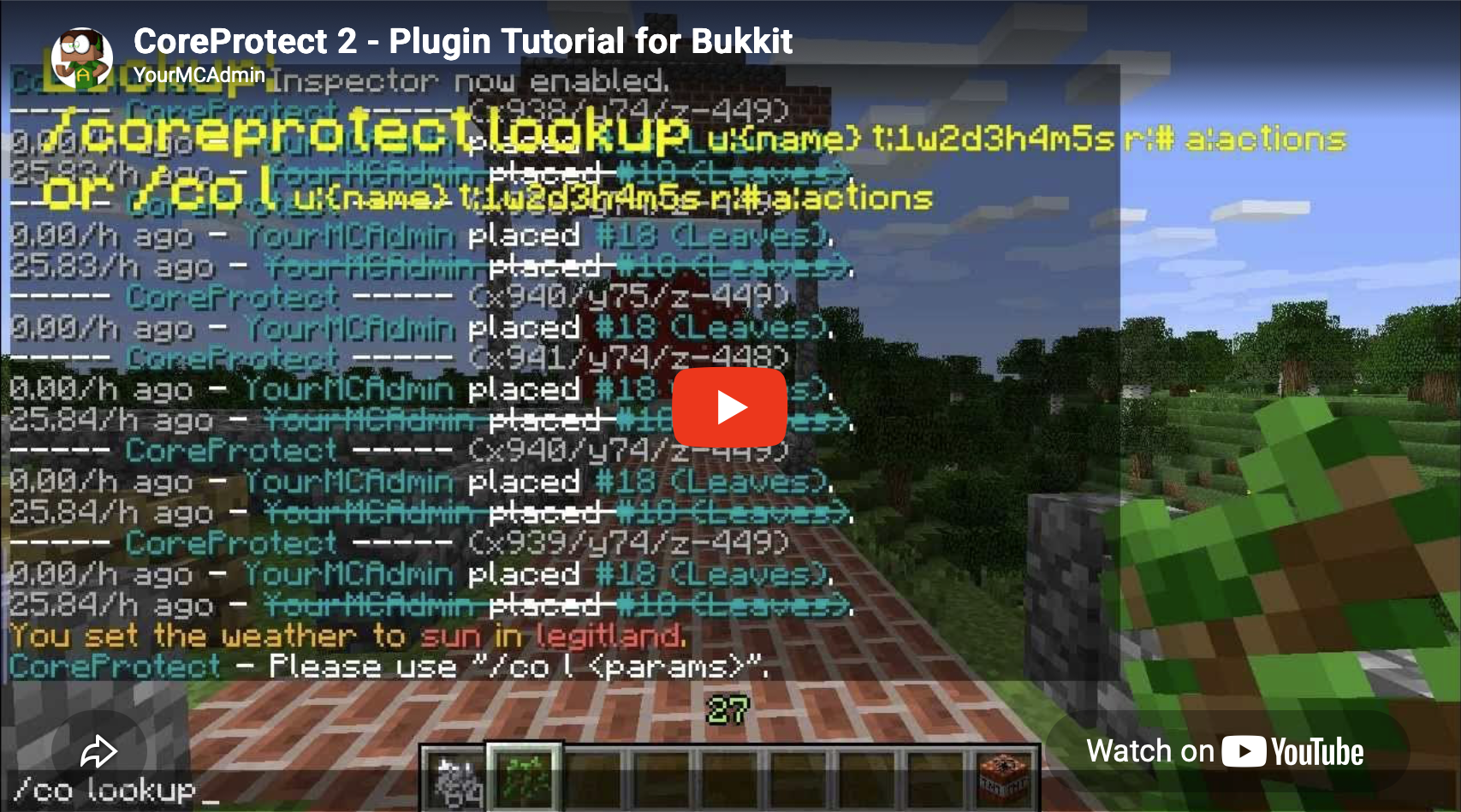
Video Tutorial
Core Features
- Fast efficient data logging.
- Fast rollbacks, with no lag while performing rollbacks or restores.
- Multi-threaded to ensure server performance is never impacted.
- No configuration required. Put the plugin on your server, and you're good to go.
- SQLite based data storage.
- Optional MySQL support.
- Easy to use commands.
- Perform rollbacks and restores. Undo any rollback, anytime.
- Easy to use block inspector.
- Advanced search-based lookup tool.
- Paginated logs with clickable pagination.
- Automatic update checker.
- Multi-world support.
- Enable or disable any aspect of logging in the configuration file.
- Rollback per-player, or perform a global rollback to all damage around you.
- Specify certain block types to skip in rollbacks or restores.
- Restrict rollbacks or restores to specific block types.
- Rollback inventories of online players.
- Log basic player actions, such as when a player opens a door.
- Liquid tracking. Associate liquid flow with players.
- Tree tracking. Trees grown from saplings show who originally planted the sapling.
- Restrict rollbacks or restores to a radius area.
- Supports Spigot's permission system.
- Track blocks that fall off of other blocks. If a player breaks a block that had a sign on it, both the block and the sign can be rolled back.
- Easily delete old log data.
- Safe default parameters.
- Rollback or restore multiple players at once.
- Create per-world configuration files.
- Lookup, rollback, or restore by a specific action.
- Exclude multiple users or blocks.
- Preview rollbacks or restores.
- Use WorldEdit selections.
- An easy to use API.
- Works with Tekkit servers.
- ...and much more!
What does it log?
- Blocks broken by players.
- Blocks placed by players.
- Natural block breakage, such as a sign popping off a dirt block that was broken.
- Bucket usage.
- Liquid flow.
- Tree growth.
- Mushroom growth.
- Vine growth.
- Explosions, including TNT, Creepers, and Ghasts.
- Flint and steel and fire charge usage.
- Fire igniting blocks.
- Blocks burning up in fires.
- Entities changing blocks, including Endermen and Enderdragons.
- Block movement, such as falling sand and gravel.
- Leaf decay.
- Player interactions.
- Nether portal generation.
- Blocks moved by pistons.
- Crops trampled by players.
- Snow generated by snow golems.
- Items taken from or placed in chests, furnaces, dispensers, and other containers.
- Items crafted or traded with villages.
- Items dropped or picked up by players.
- Paintings and item frames. (With rollback support!)
- Entities killed by players. (Animals and monsters.)
- Chat messages and commands used by players.
- Player sessions. (Logins and logouts.)
- Player deaths.
- Username changes.
- Changes made via WorldEdit.
- ...and the list is still expanding!
How to use the inspector
Once you have the inspector enabled with /core inspect or /co i, you can do the following:
- Left-click a block to see who placed that block.
- Right-click a block to see what adjacent block was removed.
- Right-click while placing a block in a location to see what block was removed at that location.
- Right-click while placing a block in another block to see who placed it. For example, place dirt in water to see who placed the water.
- Right-click a door, button, lever, chest, or similar block to see who last used it.
A Few Reviews
- "It's easy to use and lightning fast when it comes to rollbacks."
- "I've been running a MC server since before Bukkit, so I've used just about every block logger out there. CoreProtect is the best and the fastest."
- "Go with CoreProtect. It's fast, updated frequently, and logs WorldEdit."
- "Overall it felt more natural, simpler, and much faster to use CoreProtect than Prism, which just doesn't compare."
- "CoreProtect brings complex logging and rollbacks, whilst at the same time keeping a low profile."
- Featured on Linus Tech Tips.

Useful Links
Documentation
https://docs.coreprotect.net
Commands
https://docs.coreprotect.net/commands/
Permissions
https://docs.coreprotect.net/permissions/
API Documentation
https://docs.coreprotect.net/api/
Feedback & Support
https://github.com/PlayPro/CoreProtect/issues
Discord
Join us on Discord: https://discord.gg/b4DZ4jy
Donate
Enjoy using CoreProtect and want to show your support? Join our Patreon!
Sponsors
Thanks to HostHorde for sponsoring CoreProtect!
Bug Reports
For any bug reports, please submit a ticket here:
https://github.com/PlayPro/CoreProtect/issues
Thanks for your support!
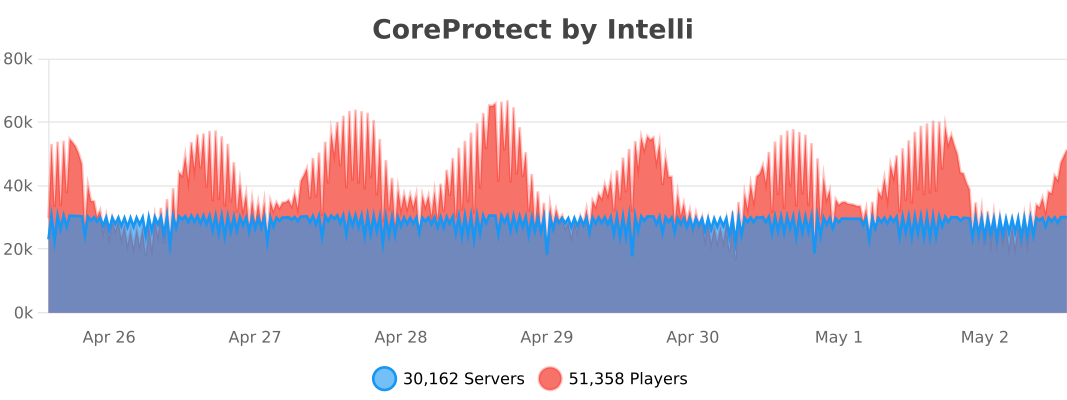
bStats
API
API Documentation
Dependency Information
Maven:
<repository>
    <id>playpro-repo</id>
    <url>https://maven.playpro.com</url>
</repository>
<dependency>
    <groupId>net.coreprotect</groupId>
    <artifactId>coreprotect</artifactId>
    <version>23.2</version>
    <scope>provided</scope>
</dependency>
Contributing
CoreProtect is an open source project, and gladly accepts community contributions.
If you'd like to contribute, please read our contributing guidelines here: CONTRIBUTING.md
